


Google Search is using AI to edit headlines
It looks like Google Search is modifying the headlines of articles, using AI. The issue came to light when The Verge discovered that some of the results for their articles had different headlines on Google, instead of the original ones. The problem with this, is that it completely changed the tone of the article. In one example, it looked like the modified title was about an article that recommended a product, whereas in reality, it was the complete opposite of that. In other words, it is misleading. This could harm websites significantly, if readers lose confidence and begin to question the credibility of the articles, it could result in less traffic for blogs. But is it really surprising given that AI is creeping everywhere? Google Discover has been replacing headlines for a while now, but things haven’t really changed despite authors voicing their concern.
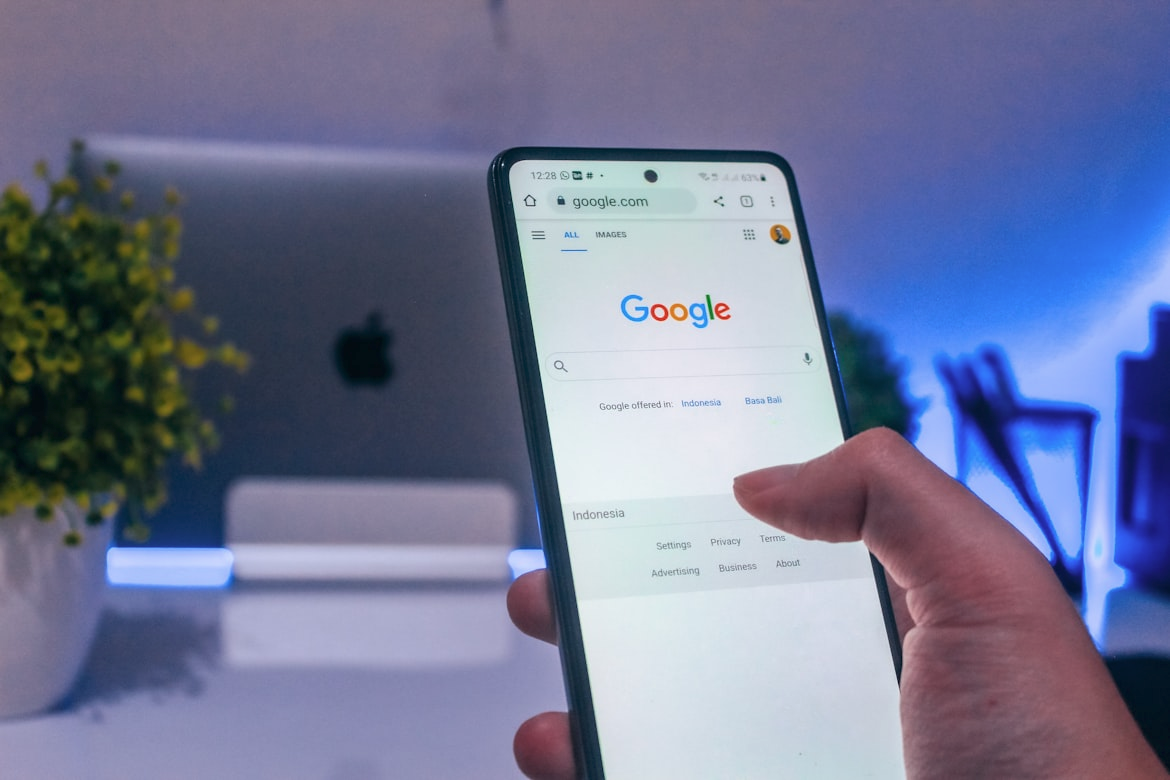
A Google spokesperson told The Verge that this new Search experience is a small and narrow experiment, that has yet to receive approval for a wider launch. The Mountain View company says that its AI identifies the content on a page, and uses it to create a useful, relevant title that is related to a search query. This is intended to help users find content that matches their query, and engage with websites. Google also said that the ongoing experiment is not specific to news publications, but websites in general. The company mentioned that if something were to be launched based on the experiment, it wouldn’t be a generative model that creates headlines, but it did not explain how the process would work.
NVIDIA CEO says everyone is wrong about DLSS 5
A few days ago, NVIDIA unveiled DLSS 5. It touted the feature as an AI-powered breakthrough in visual fidelity for games. The technology infuses pixels with photorealistic lighting, materials to bridge the gap between rendering and reality. Those are fancy words, but the video trailer that was shown made it clear. DLSS 5 is using a generative AI to redraw assets in games. To call it bizarre, is an understatement. The faces that were modified look hideous, unrealistic, and creepy. They didn’t even look like the original characters designed by artists. The generated assets also affected lighting and shadows, even in scenes that are meant to be dark.
What was truly bizarre, was NVIDIA’s CEO, Jensen Huang, saying that people who didn’t like DLSS 5 were all wrong. An Epic Games executive has also defended DLSS 5, calling it the next big thing for technical artists. Big outlets like IGN, and channels like Gamers Nexus have criticized DLSS 5, terming it as AI slop. And fans called it a weird looking Instagram filter, they are not wrong.
Microsoft outlines plans to fix Windows 11
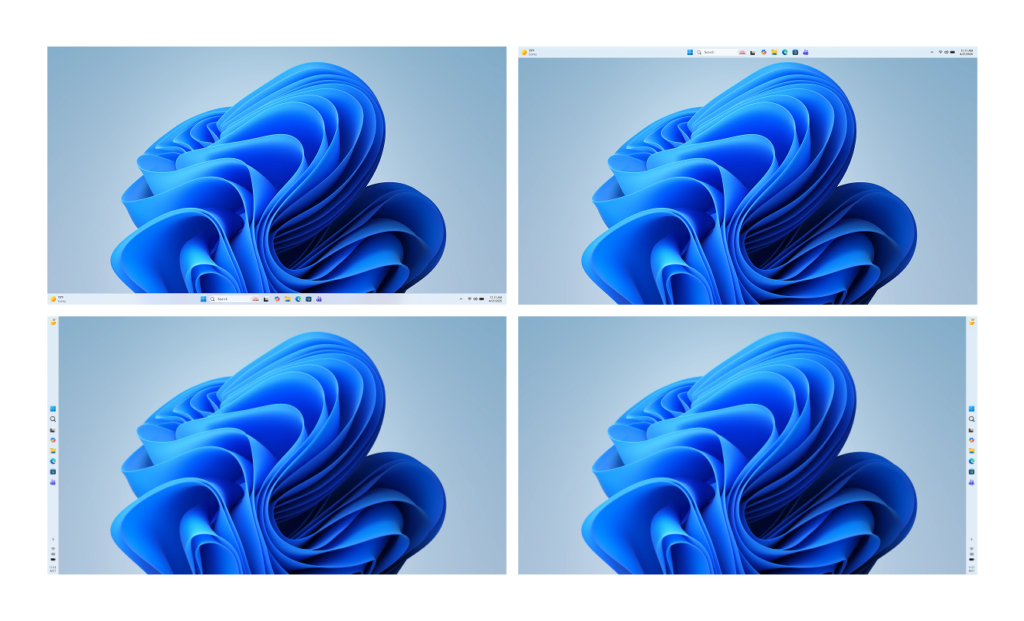
Microsoft has revealed some big changes that are coming to Windows 11. The first of these will allow users to move the Taskbar to the sides or the top of the screen. This has been a top request from the community since 2021. It’s a little odd that it has taken this long for Microsoft to introduce the feature, one which existed in prior versions of Windows.
The next major change in Windows 11 is Copilot. Don’t worry, Microsoft isn’t adding it to more apps. In what seems like a U-turn, the Redmond company says it will reduce unnecessary Copilot entry points in Windows. This includes apps like Snipping Tool, Photos, Widgets, and Notepad. It’s unclear whether the AI will be completely removed from these apps, but this is a good start.
Microsoft also wants to fix the numerous issues that plague File Explorer, by improving the launch speed, reduced flicker, smoother navigation, and more reliable performance in day-to-day tasks. While Widgets are cool, the company admits they have been distracting, and overwhelming. This experience is also being remedied with quieter defaults, and more control for the user to decide when and how widgets appear, with improved personalization over the Discover feed.
Pavan Davuluri, the Chief of Windows, wrote on the Windows blog, that these improvements are a part of Microsoft’s focus on performance, reliability, and well-crafted experiences. If things go as planned, Windows 11 will reduce resource usage, to improve the system performance, app responsiveness, improve memory efficiency. Microsoft also plans to improve the Windows Subsystem for Linux (WSL) experience, with better performance, improved network compatibility and throughput. As for the reliability part, Microsoft wants to focus on improving the system stability, driver quality and app reliability to ensure PCs run smoothly and reliably.
These are welcome changes, but they may have come too late. A lot of the damage has been done already, many users have switched to Linux or Mac because of the AI creep that drove them away from Windows. And with the new affordable MacBook Neo hitting the market, Windows has some real competition that it needs to worry about.
Windows 11 will let you pause updates forever
There is one other thing that Microsoft is changing, something that could have a significant impact for users. It will allow the ability to control how Windows updates are installed. Microsoft has acknowledged that Windows Updates are disruptive, something that users have been complaining about for a long time.
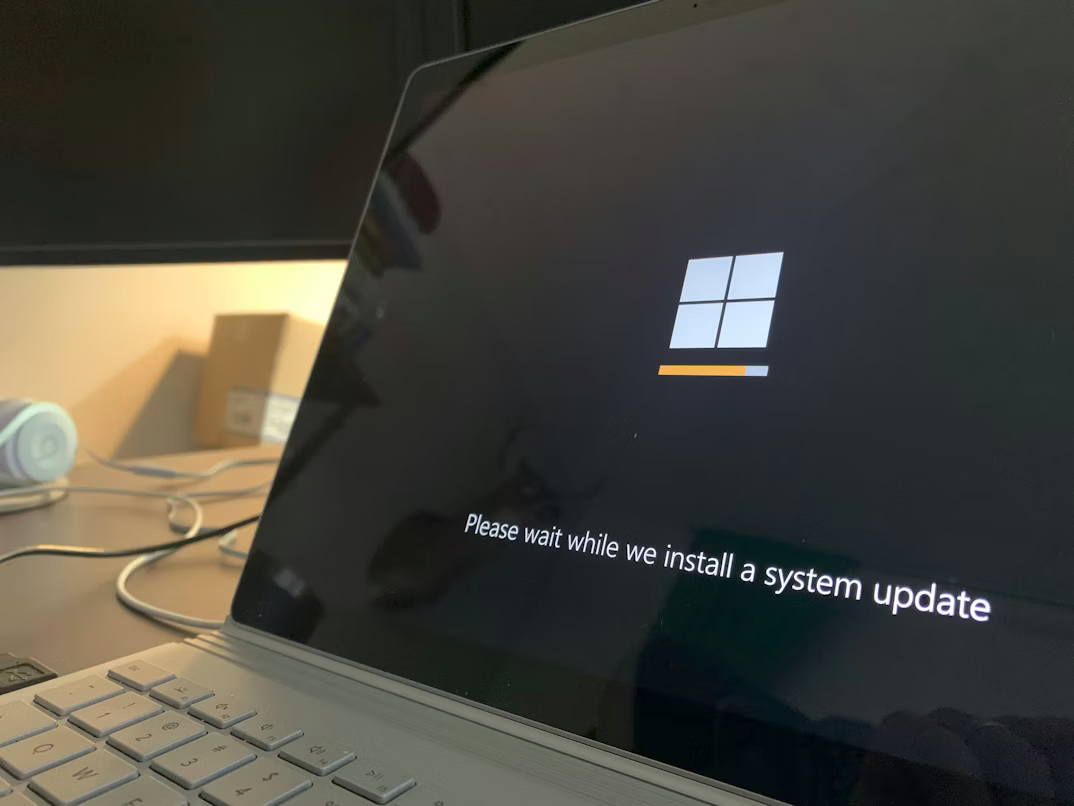
In order to fix this, Microsoft wants to give users and organizations to move to a single monthly reboot for getting new features and fixes. It is also giving users the option to choose how updates are installed, including the option to pause updates for as long as required, without forcibly installing them. Users will also be able to restart their computer, or shut them down without installing any pending updates. That’s a nice thing, because sometimes you may have to turn off your PC if you’re going away, or need to reboot quickly without having to sit through the Windows Update process.
The good thing about pausing updates is that users who prefer to wait for a few weeks or months, or to see if any major issues arise/and or are patched, or to skip any unwanted features, can now just park on a specific version until they feel comfortable to update their computer. But there is a downside to this, pausing updates is not always a good idea, because this would leave PCs vulnerable to security issues. Maybe if Microsoft were to deliver security updates and feature update separately, it could offer a solution for the problem.