


Wave Browser: The Eco-Conscious Browser Making Real Ocean Impact
NewsWindows January 5, 2026 Mireia Fernandez
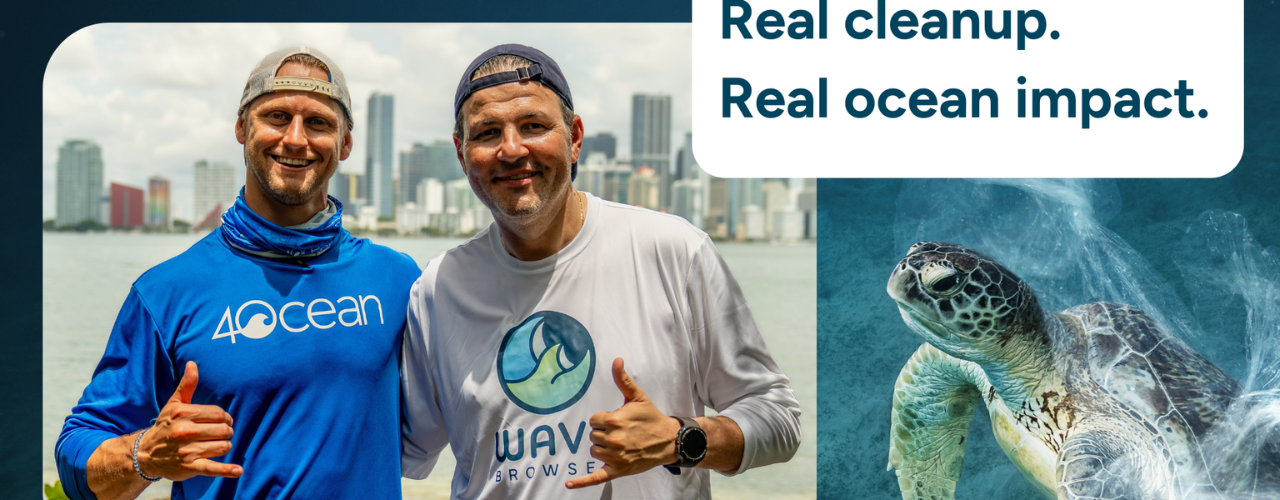
The browser is one of the applications we use most in our day-to-day lives. As the gateway to the digital world, the choice of one browser or another has a direct impact on how we relate to technology, but there is more to it. Behind every browser are servers, energy and resources that leave their mark on the planet, and this is precisely where Wave Browser proposes something very different: turning our everyday browsing into an efficient, secure and comfortable experience that also helps fund ocean cleanup.

What Wave Browser is and how it turns our tabs into environmental impact
Wave Browser presents itself to us as a modern browser, designed for those of us who value safety and security and also want our digital lives to have a positive effect on the planet. With this browser, every browsing session, every tab and every user directly supports projects that clean up our sea and coastlines in different parts of the world.
Instead of focusing its environmental impact only on usage metrics, Wave Browser relies on a much simpler and more transparent model. First, it works like any other browser, generating revenue through agreements and search engines — Yahoo is the default search engine, for example. From there, part of that revenue is allocated to removing plastic and waste from our ocean, rivers and coastlines through a partnership with 4ocean.
Wave Browser and 4ocean: a commitment to our ocean
The collaboration with 4ocean, a company specialized in marine cleanup with many professional teams working on the ground, means that our browsing can be easily translated into concrete, measurable, and auditable goals. Standing out above all is its yearly commitment to 100,000 pounds (ca. 45 t) of plastic and waste removed from our ocean and waterways thanks to the browsing sessions of the Wave Browser community.
That commitment takes shape in our sea through teams in the United States, Indonesia, and the Dominican Republic. The browsing we do in Wave helps fund crews, salaries, boats, supplies, and materials needed for 4ocean’s teams to pull thousands of bottles, nets, and fragments of plastic out of the water.
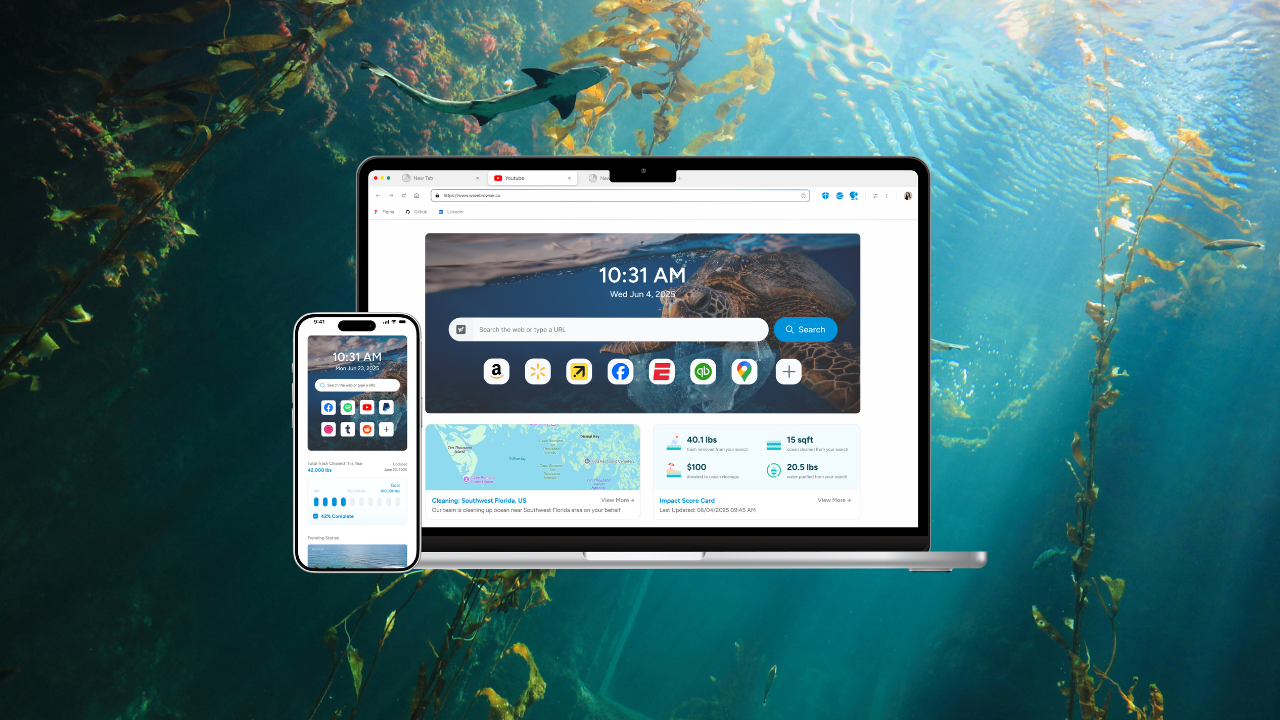
The progress of these commitments is clearly visible inside Wave Browser, since it presents the information in a completely transparent way within the browser itself. This includes a real-time impact dashboard that shows how many pounds of plastic and waste the Wave community has removed in total, during the year, and in the current month.
In addition, the company gives us monthly updates, several regular posts and progress summaries so that we can follow from our desktop or mobile the figures for waste removal from our ocean, rivers and coastlines to which we have contributed.
The alliance between Wave Browser and 4ocean includes the a certified cleanup partnership and also continuous impact audits, so that the pounds of trash removed are documented and linked to specific periods of time. The transparency of the project is, in this sense, complete, so as users we have the assurance that we are doing more than simply browsing.
Smart technology in the service of digital sustainability
Being able to contribute easily to regenerating our planet is something we should take very seriously, but we cannot do it at the expense of our browsing experience. That is precisely why Wave Browser stands out from similar projects because, as well as driving ocean clean-up, it is an efficient and very well-designed browser.

Good performance for the system and for ourselves
One of Wave’s cornerstones is performance optimization, something we will notice right away when we open several tabs. Instead of feeling our computer slow down, Memory Saver Mode identifies inactive tabs and reduces their resource consumption to extend our battery life and reduce energy use while we browse.
Digital sustainability in its purest form, because a browser that manages memory and CPU better reduces the load on the hardware, needs less energy to give us the same result and can extend the lifespan of our devices.
Tab grouping arranges and helps us quickly find open tabs so that we can focus on what matters and maintain our productivity. Moreover, there is the split view, which lets us place two websites side by side in the same window.
Security, privacy controls, and peace of mind with every click
On the security front, Wave Browser is AppEsteem certified, meaning it meets independently verified standards for ethical, transparent, and responsible software practices. AppEsteem is an industry-recognized watchdog organization that evaluates applications based on how they are built, installed, and maintained—helping users avoid deceptive or harmful software.
From a security standpoint, AppEsteem certification signals that Wave:
- Follows clean installation practices with no hidden installs or misleading consent
- Maintains transparent behavior, so users understand what the software does and why
- Avoids known malware-like patterns, including unwanted redirects, deceptive ads, or unauthorized changes
- Adheres to responsible data handling and disclosure standards
For users, AppEsteem certification adds a layer of confidence: Wave Browser is held accountable by an independent third party to operate responsibly, clearly, and with user trust at the forefront.
The browser also includes an ad blocker, so pages load with fewer elements, browsing becomes much lighter for us and data and electricity consumption is reduced. A small improvement? Maybe, but with a huge cumulative effect at the end of a year of use.
For more sensitive searches, Incognito browsing mode lets us avoid certain sites being mixed into our usual history and offers us a separate space within the browser itself for specific activities.
All of this is complemented by very clear settings options, where it is genuinely easy to choose the search engine we want to use, manage different permissions, and adapt the browser’s behavior. In just a few clicks, we can adjust Wave to our usage style, whether on Windows, macOS, iOS, Android, or other systems.
Built-in tools that go one step further
Wave Browser goes far beyond loading web pages: the browser itself includes a set of utilities that significantly optimize our workflow, simplifying browsing itself while at the same time reducing our need to look for external extensions.
Among these tools is a built-in AI assistant that lets us ask questions, summarize texts, rewrite passages, or translate content directly on the page we are viewing. The file and unit converter is also very intriguing, saving us from having to rely on websites or services for the most common conversions.
In addition to the usual option to view PDFs, Wave Browser offers a system that lets us highlight, comment, fill in forms, and organize our notes. Something very uncommon in a browser and something we will appreciate when managing information without having to leave the browser.
In the productivity department, Wave gives us a notes and reminders system that we will value during research, reading, or shopping sessions. We can create quick lists, save ideas or pin to-dos and related items next to the current page, all within the same space where we are looking up information.
A sidebar to improve organization and flexibility
The sidebar is the real control panel of our day-to-day life in the browser. It has shortcuts to messaging services such as WhatsApp Web, Facebook Messenger, or Instagram, which makes it easier for conversations with friends, family, co-workers, or clients to remain in an organized space while we browse the web. Wave Browser also integrates the inbox for services such as Gmail or Yahoo Mail, so we always have email at hand in the browser’s sidebar.
Another particularly interesting feature when we are shopping is the price tracker, as with it we can follow the price evolution of items on Amazon and receive alerts when they drop to a lower price. Once the purchase is made, Wave offers us a parcel tracking system compatible with carriers such as FedEx, UPS, USPS, DHL, Amazon, and others. The status of each shipment is centralized within the browser, making it much easier for us to check estimated dates, route changes, or planned delivery days.
The browser also gives us a reading list system to save pages without cluttering our bookmarks and a stock tracker based on integration with Yahoo Finance that shows us near real-time quotes, with charts and news summaries.
Wave Browser is synonymous with productivity, community and a cleaner ocean
The most interesting side of Wave Browser becomes visible when we bring it into our daily routine and see three dimensions intertwine: productivity, comfort, and environmental awareness. Whether at home or in the office, the how, what and why of this browser find their answer in the elegance of its tools, the speed of its browsing, and the improvement in our ocean.
On a typical day, we open Wave to check our email, organize a few tabs with documentation, browse social networks, and look up specific information for a project. The impact dashboard shows us how many pounds of plastic have been removed during the day. The figure is not just an abstract number either, because the monthly updates show us photos, stories, and data from 4ocean’s operations.
Wave Browser works on Windows, macOS, iOS, Android, and other environments. With 10 million installations, more than 500 million searches served, presence in over 80 countries, and several years with the project up and running. Wave Browser shows us that the idea of bringing technology and an environmental mission together is far more than just a great concept.
Everything points towards a future in which sustainability will be increasingly integrated into the tools we use every day, and Wave Browser gives us a glimpse of that trend. It is a demonstration that a browser can offer us security and comfort on par with the best on the market. At the same time, it makes a public commitment to leaving the planet a little better than we found it.
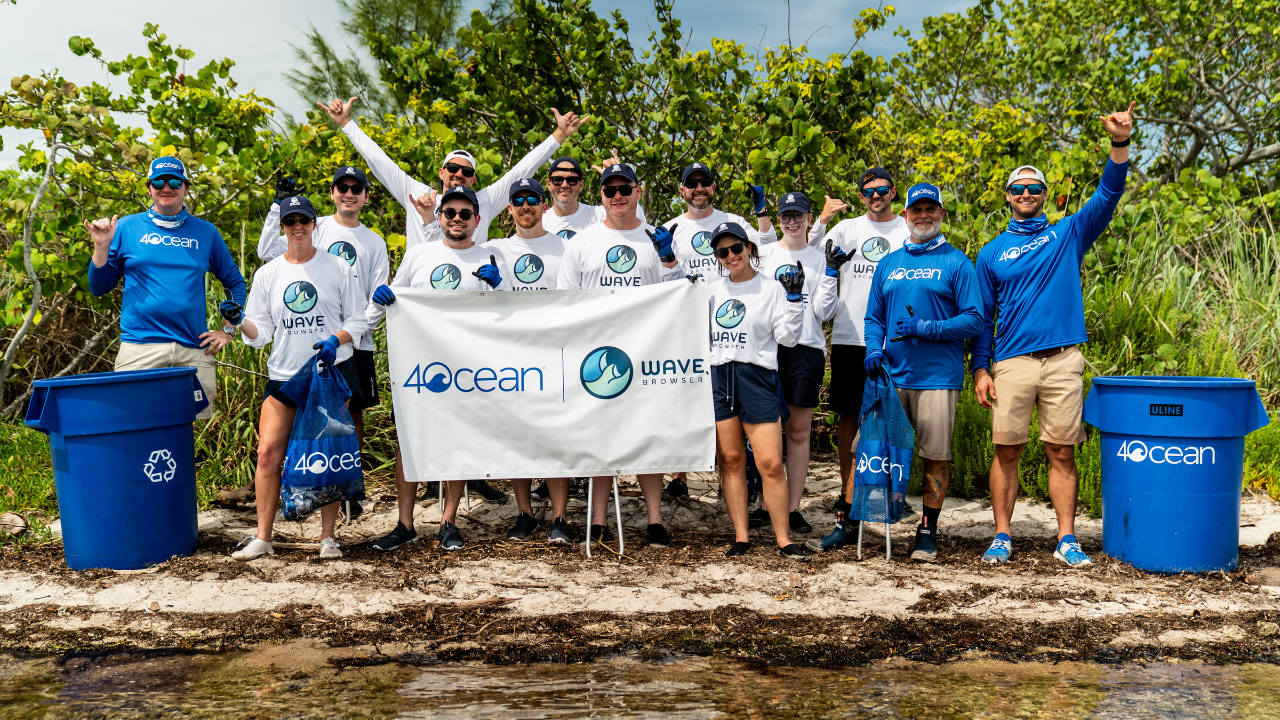
Choosing to browse with Wave Browser is a simple gesture, but a powerful one at the same time. By installing it, importing our bookmarks, and turning it into one of our usual windows onto the internet, we make every tab contribute to the project of achieving a future with cleaner seas.