


Google Chrome silently downloads a 4GB AI Model on your computer
Security researcher Alexander Hanff wrote an article on ThatPrivacyGuy, stating that he discovered Chrome was writing a 4GB on-device AI model called weights.bin in a new folder. This file is related to Gemini Nano, which is Google’s local language model for devices. This AI model is not an optional download, Chrome installs it automatically without seeking explicit permission from the user. That’s the first problem, why is this not opt in?
Next, what does this AI model do? According to a support page on Google’s website, the on-device generative AI model allows Chrome to perform AI-powered tasks on the computer. These include tasks related to writing or rephrasing text, warning the user about scams, summarizing web pages, and to organize the tabs.
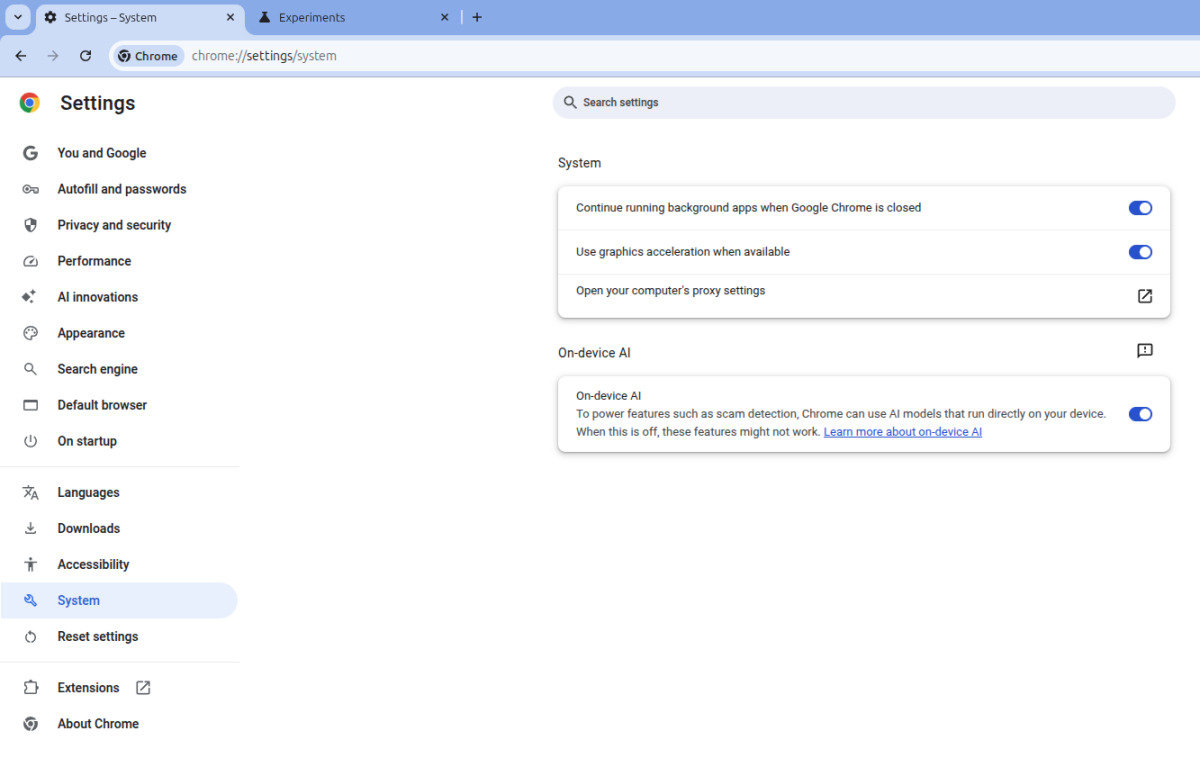
The System page under Chrome’s settings has an option related to the AI model. You can also open this in a tab, chrome://settings/system. The last option on this page is a setting that is labeled On-device AI.
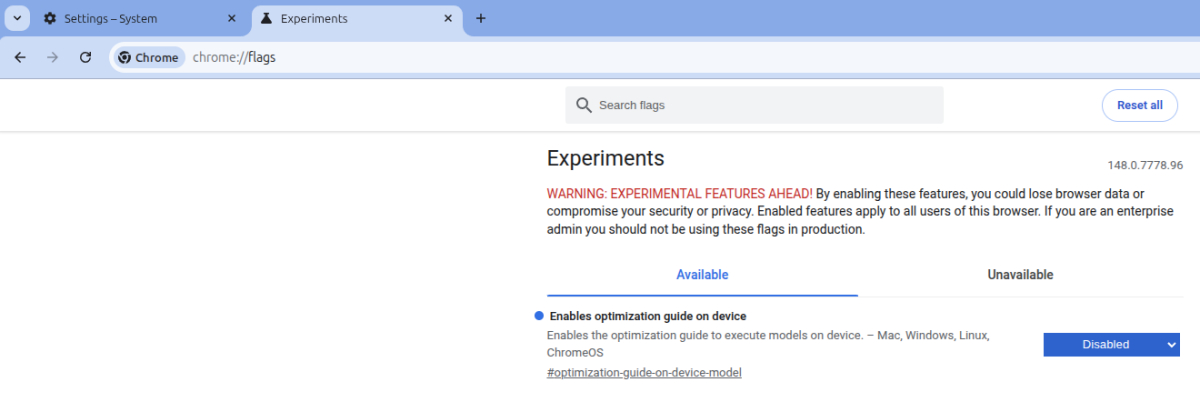
If you don’t want to use the AI, you can disable the option. However, users report that turning off the setting does not delete the 4GB AI Model from their computer. In order to do that, open chrome://flags and search for “optimization guide on device”, this will filter the results to show a flag related to your query. Click on the drop-down menu to set it to “disabled”, restart Chrome for the change to take effect.
Some users say they were able to find the 4gb AI model was stored in the following folder on Windows: AppData/Local/Google/Chrome/UserData/OptGuideOnDeviceModel. Linux users can find the directory in their .config folder e.g. /home/USERNAME/.config/google-chrome/OptGuideOnDeviceModel
A few users claim that Chrome re-downloads the AI model even if you delete the folder, but this issue seems to be resolved if the above mentioned flag is disabled.
Nintendo Switch 2 prices are increasing
Nintendo has announced that it is increasing the price of the Switch 2 across the world. The handheld console currently costs 49,980 Yen in Japan, $449.99 in the US, $629.99 in Canada, €469.99 in Europe. These prices are increasing to 59,980 Yen, $499.99 USD, $679.99 CAD, and €499.99 respectively. Nintendo says that the new prices will come into effect on September 1st, 2026.
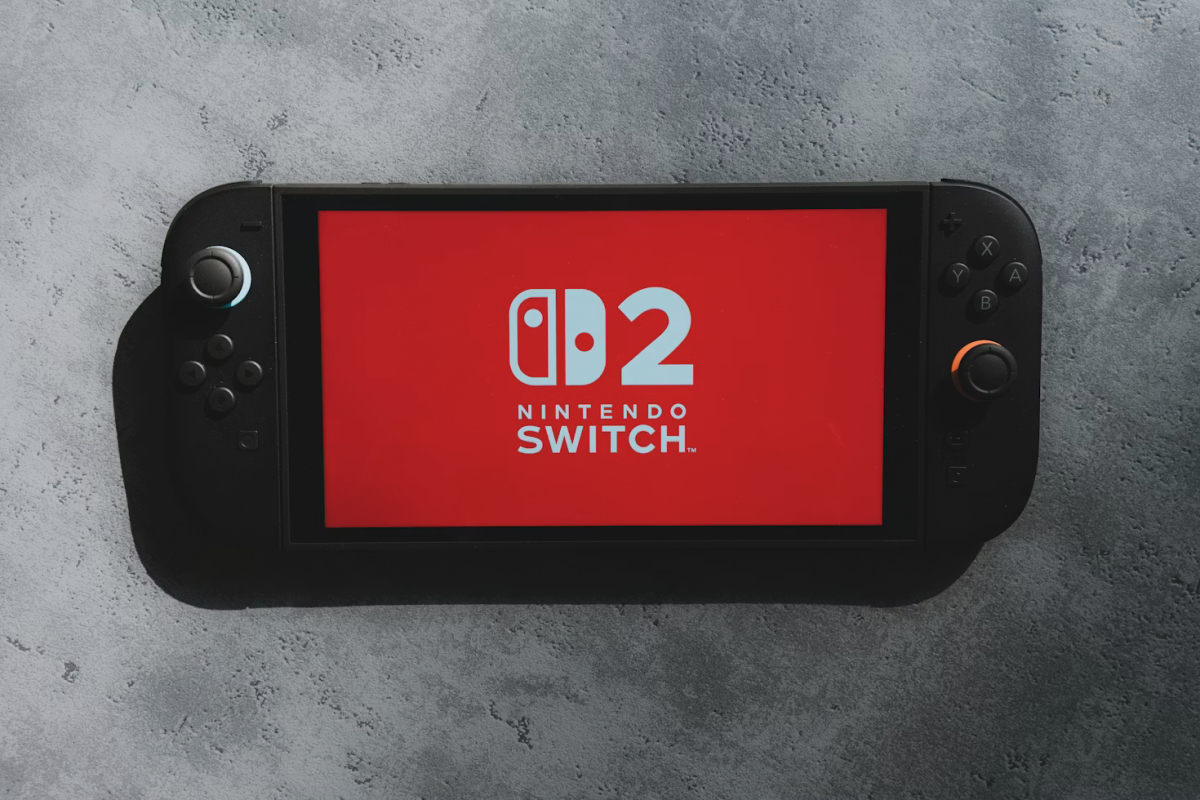
Interestingly, the Japanese video game giant is also increasing the prices of the 1st gen Switch, Switch OLED, and Switch Lite models in Japan. The console prices will increase from May 25, 2026, and will cost 47,980 Yen, 43,980 Yen, and 29,990 Yen respectively.
As for the reason for the price increase, Nintendo says that it is due to changes in market conditions. That likely refers to the rising costs of RAM, SSD, as a result of the ongoing chip shortage crisis. On a side note, Nintendo has also announced a remake of Star Fox 64. Epic Games’ iOS Store debuted in Japan, but it seems to have its fair share of problems.
Firefox’s Nova redesign is now available in the Nightly browser
Mozilla has begun testing a new design for Firefox. The redesign, which is internally called Project Nova, is currently available in the Nightly version of the browser. Rather than giving Firefox a complete makeover, Mozilla has opted to make some subtle changes to the aesthetic. It features rounded elements for the address bar and the tabs. Even the buttons on the side bar have a round design.
As observed by Chipp.in, the redesigned Firefox renders web pages in a rounded container. This is an interesting approach, especially because it doesn’t change the core aspects of the browser.
Users who wish to test the new design in Firefox Nightly will need to enable a flag in about:config. Look for browser.nova.enabled and set its value to true. A small subset of users have criticized the design, but that is to be expected as with any change. If more users respond positively during the test phase, Mozilla will push the Nova design to the beta channel, and it could eventually make its way to Firefox’s stable release. But it still has a long way to go, so don’t expect it in the stable version in the near future.
Amazon Prime launches Clips, a vertical video feed on the homepage
Disney Plus introduced portrait-form videos in January this year, and Netflix did the same last month. Now, it’s Amazon Prime’s turn to follow the trend. Amazon calls its version of vertical videos as Clips. But these videos aren’t like the user-made ones you may find on TikTok or Instagram. Prime Video Clips consist of short videos from movies and TV shows. It originally debuted with NBA Highlights during the 2025-26 season.

Amazon says that the Clips experience is designed for phone screens, and is tailored to the user’s viewing history. You can access the short videos by scrolling down on the app’s homepage to the Clips carousel. In addition to watching the Clips, users can save titles to a watchlist, like the clip, share it with others, or choose to watch the full title, rent or buy it. Clips is rolling out to select users in the US on Android, iOS and Fire tablets. It will be available for all users later this summer.
Google releases Snapseed 4.0 for Android and iOS
When Google updated Snapseed to version 3.0 for iOS last year, many users were surprised that the Android app did not receive the same treatment. However, Google is now rolling out the next-gen update, i.e. Snapseed 4.0 for Android and iOS simultaneously. The update comes with several new features in tow. Snapseed has a new UI with a grid on the homepage that displays photos that you have edited. Users can tap the Add Photo button to start editing an image. The image editor has three tabs for Looks, Tools and Export. There are various Tools that one may use to edit the image.
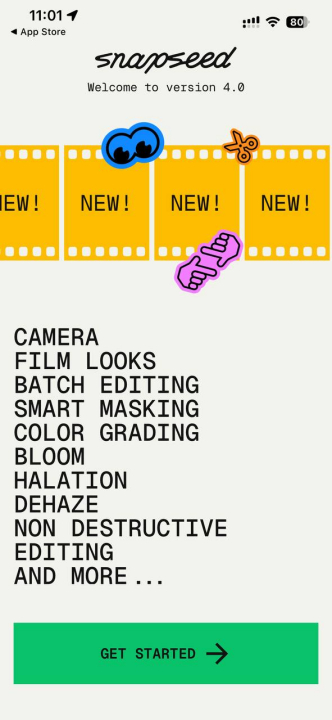
The camera button on Snapseed’s homepage lets users tweak several settings including filters inspired by real vintage cameras, and a Pro Mode that allows controlling the Shutter Speed, ISO, Focus, and more. Snapseed 4.0 is currently available on the Google Play Store and the iOS App Store.