

FileHippo News

The latest software and tech news

How To Make Text Float In Photoshop
With the possible exception Peter Pan, everyone and everything has a shadow, as long as light is hitting it. Internal shadows appear where the surface contours towards and away from the light source. External shadows appear behind wherever the light source is. Multiple light sources cause multiple shadows and... Read more
How to Create Chromakey Effects in Video
We’ve come a long way since Star Wars. Where the ability to magically insert different video elements together was once the province of special effects studios, with expensive equipment that filled an aircraft hanger, most of us can now create complex and impressive chromakey effects on our home computers.... Read more
Want To Try A Different Media Player? Check Out Zoom
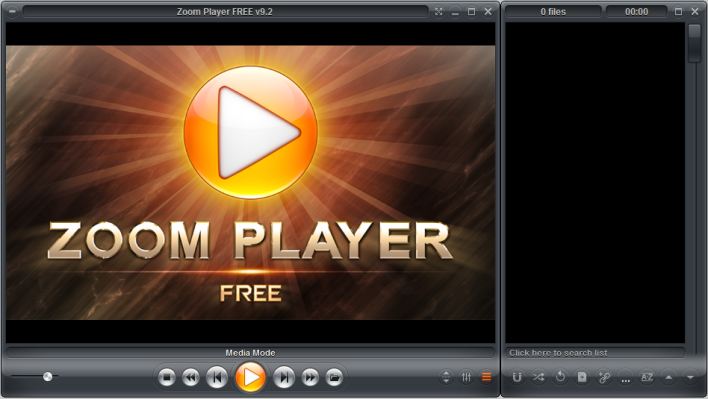
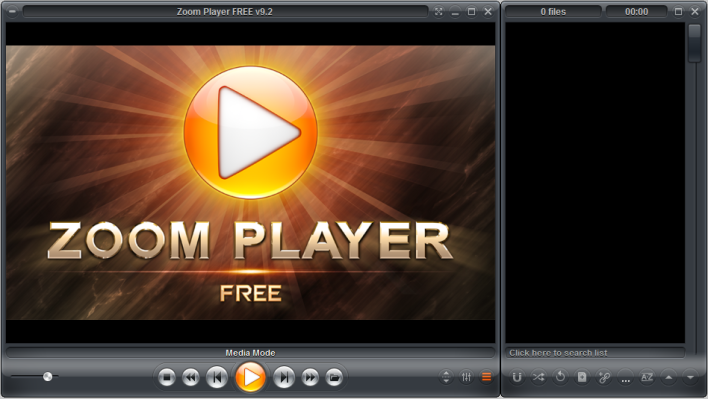
Do you want to change your media player? Why not give Zoom Player a try? Zoom Player is a rapid and stable media player that tries to both simplify playback and give you all the tools and interfaces that you need to manipulate your playback environment to your exact specification.... Read more
Media Player Classic Home Cinema Updated
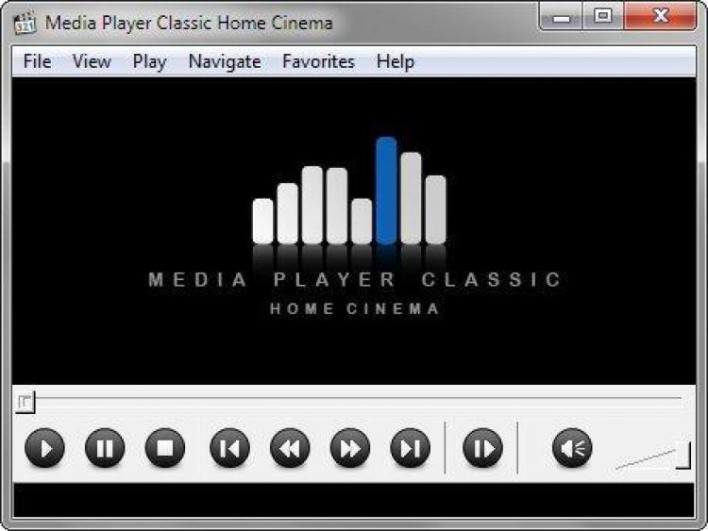
Media Player Classic Home Cinema is a media player for the Windows platform, which providesclean and crisp video playback. Although there are plenty of media players out there, this application is a free utility that is light-weight and easy to use with a simple interface. Media Player Classic Home Cinema... Read more
How to Reverse an Audio Clip in Adobe Audition
Ever since someone realised you could manually spin a vinyl record the wrong way, people have been experimenting with playing sound backwards. The Beatles did it to great effect using reverse tape effects on Sergeant Pepper, and some bands tried mind control by hiding hidden messages via phonetic reversal... Read more
How To Change Faces in Photoshop
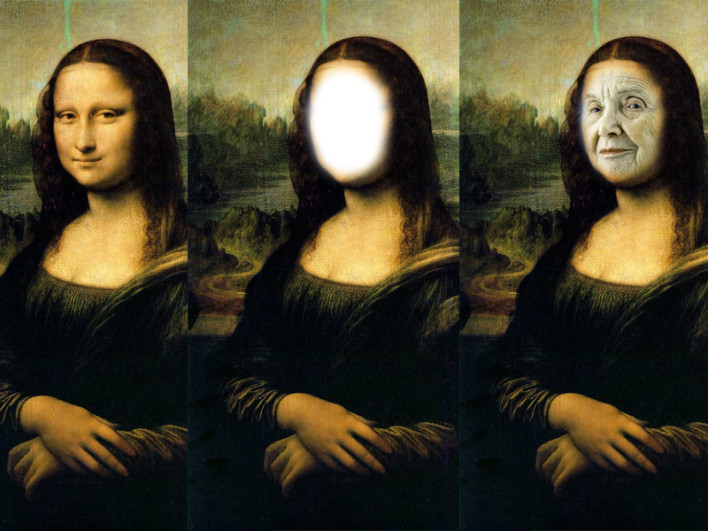
Photoshop is capable of amazing things, you can literally create anything, or change anything into anything, but let’s be honest, all a lot of people really want to do 90% of the time is to put someone else’s face into a photo. Here’s a very simple way to do... Read more
Need Quality Photo Editing? Download Corel Paintshop Pro X7
Corel’s Paintshop Pro X7 is a comprehensive photo-editing application that allows you to create your best photos ever. Paintshop Pro X7 has smarter editing features, 30% faster brushes, new creative tools and easier color selection. Paintshop Pro X7 is a complete photo-editing application, which helps you turn your snapshots... Read more
How To Use The Magic Wand Tool In Photoshop
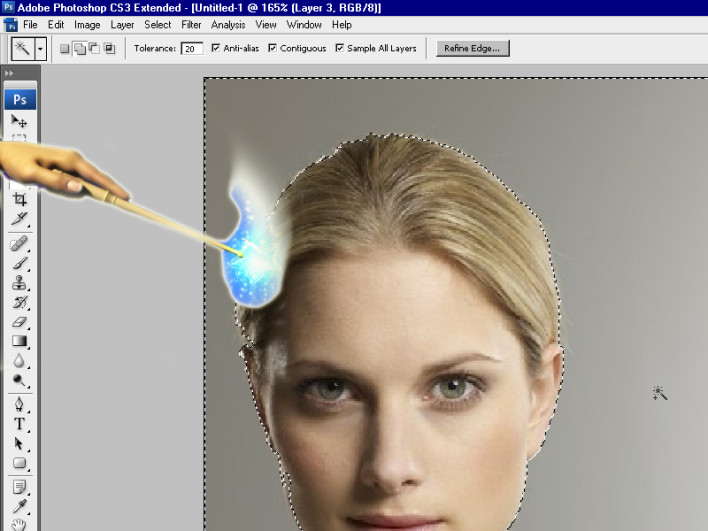
Ever wished you had a magic wand? Well if you use Adobe Photoshop then your dream just came true. At the top of the left sidebar, fourth button down is the quick selection tool, hover over that for a second or two and you will see that hiding behind... Read more
How To Blur Images In Photoshop
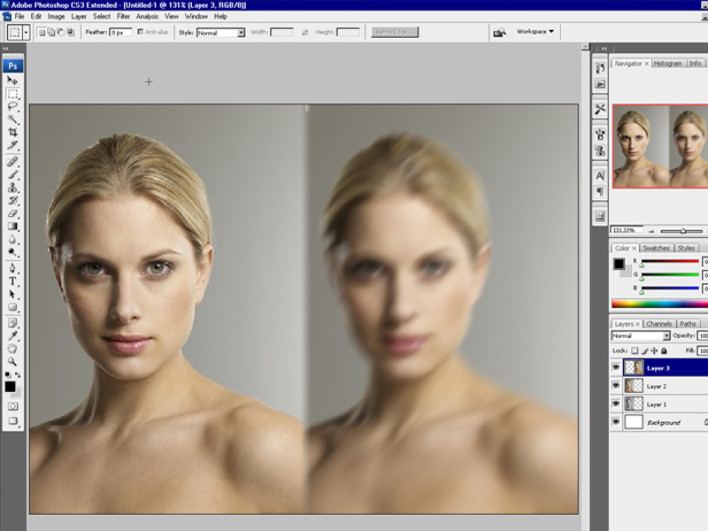
If you’ve used Instagram, you’ve probably had a play around with the option that allows you to blur part of an image, to give focus to a circular or horizontal section of your photo. This can be very effective on photos, creating what at first glance looks like a... Read more
Drones For Moviemaking Approved By FAA
In a huge step forward for the commercial use of drones, the FAA has approved their use by six of Hollywood’s movie and television production companies. While there are some strict limitations as to their use, drones will be able to legally be used to film shots for movies... Read more
Need Image Manipulation? Check out FastStone Image Viewer
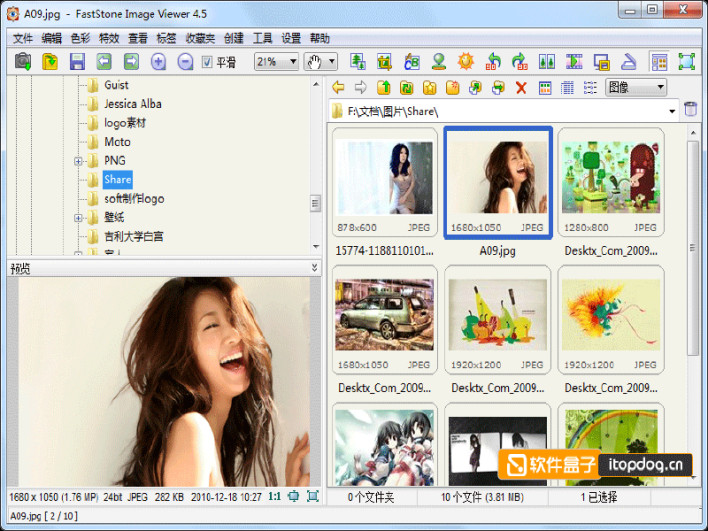
FastStone Image Viewer is a quality, stable, user-friendly image browser, converter and editor. It has a great array of different features that include image viewing, management, comparison, red-eye removal, emailing, resizing, cropping and color adjustments. Its innovative but intuitive full-screen mode provides quick access to EXIF information, thumbnail browser... Read more
Understanding The Difference Between RGB And CMYK In Photoshop
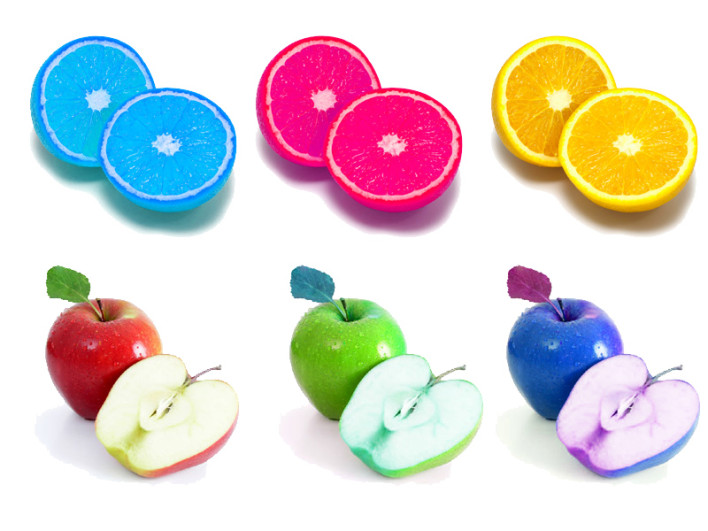
Apples and oranges, both fruit, both spherical, both have pips, both can be peeled, it’s astonishing that we can tell them apart, and yet everyone manages it. Some people have described RGB and CMYK as the apples and oranges of colour image formats, but they’re not, they are two... Read more
11 Selfies That Should Never Have Been Taken!
Sometimes it’s better to just put that phone away and save the selfie for another day, unfortunately these people haven’t quite mastered that yet! A house is engulfed by flames but this guy thinks it's the perfect opportunity to take a selfie. Image 1 of 11 Read more
Looking To Change Your Media Player? Checkout Zoom Player
If you are looking for a change to your current media player then Zoom Player may be just what you are looking for.  The application has been designed to be a different style of media player.  Zoom Player both simplifies the playback experience for the common user, while offering... Read more
How to Find the World’s Best Coloring Book
If you have children of a certain age, or if you just happen to enjoy the therapeutic action of colouring in a nice picture, then you’ve probably at some time bought a colouring book. The problem of course with colouring books is that they often contain simple line art... Read more
How to Eliminate Background Noise in Adobe Audition
No matter how good your recording set up is, you will always find some element of background noise. Either the distant hum of a neighbours air conditioning unit, static caused by radio interference or more often than not the fan on your own PC. Or have you a digital... Read more
How to Colour Comics in Photoshop
Since the world of printing went digital, line art colouring is now nearly always done digitally. Continuing in our Photoshop how to series, here are a few simple Photoshop tips to make the most out of your comic colouring. Layers, you need to use multiple layers. This may seem... Read more
How to Customise Text in Photoshop
Have you ever needed a quick Logo or Title but just didnít have the time to draw it yourself or search for a suitable new font? Those dull old fonts you already have can be spiced up using a few of Adobe Photoshop‘s simple blending tools, and this gives... Read more